Notion organises the workspace.Byte organises around you.
Notion needs you to build and maintain the system. Byte is designed to keep up with deadlines, messages, timetable changes and the Notion pages connected to them.
The difference is the work left with you.
The same change lands in the course group chat. Both products can hold the new date. Only one is designed to carry the change through the rest of the day.
 Course group
 With Notion
 Assignment TrackerNotion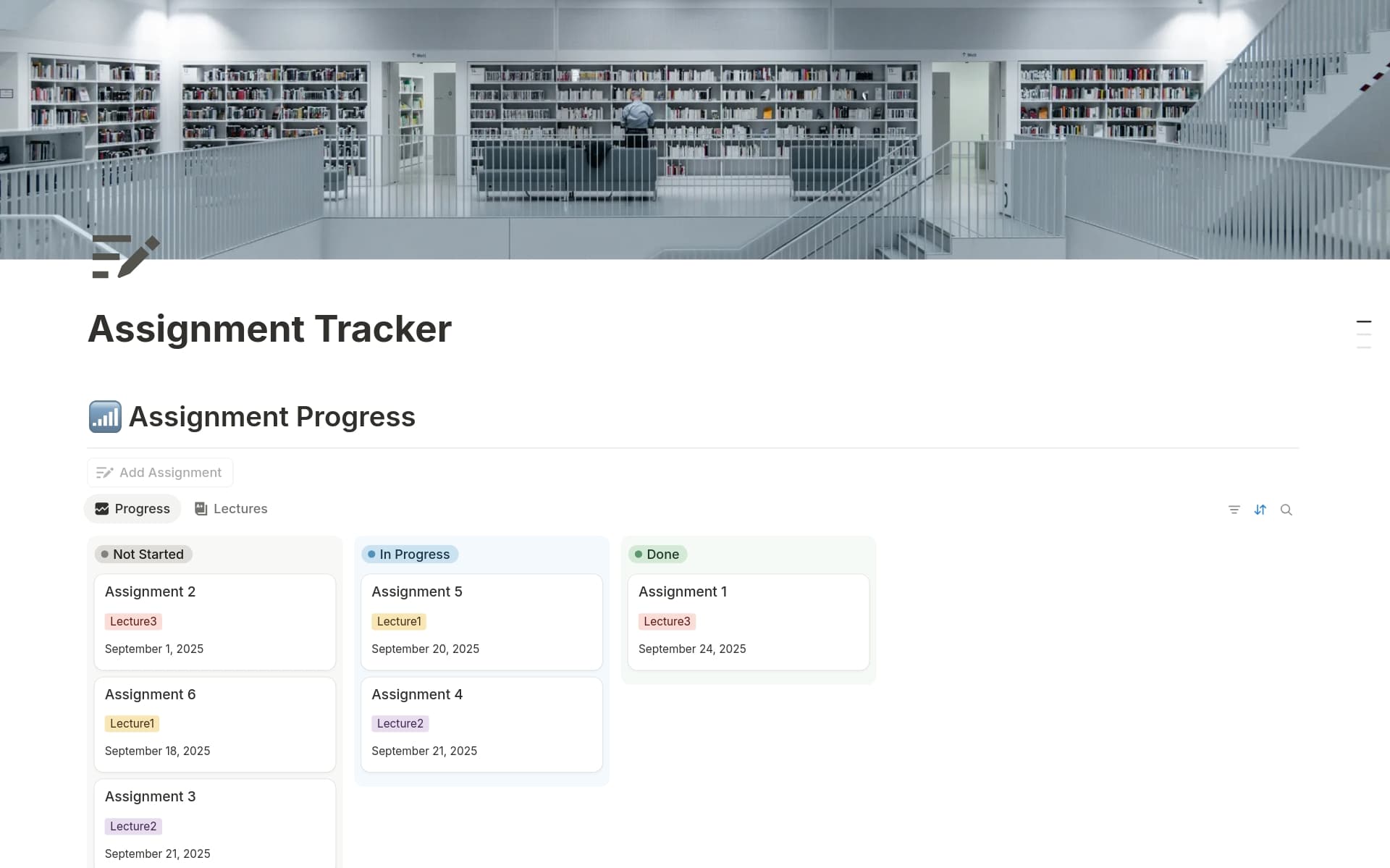
- 1Open the workspace
- 2Find the presentation
- 3Change the due date
- 4Move the prep session
- 5Clear the old reminder
The workspace changes when you change it.
The new date can live in Notion. Finding it, updating it and carrying the consequences into the rest of the week still begin with you.
 With Byte ByteNOTIONPresentation set to Friday 10:00DoneREMINDEROld Tuesday alert clearedDone
Tell Byte once. The change keeps moving.
Byte can understand the message, update Notion and adjust the plans that the new date affects outside the workspace.
Then put Byte on top of Notion.
Connect your workspace and Byte can use Notion as one of the places it knows you. It can read the context already there, write useful changes back and keep going beyond the workspace.
Ask the way you remember.
You should not need the page title, database name or exact wording. Byte can search the connected workspace using the scraps you actually remember.
Byte Notion connected Assignment TrackerNotionwhere’s that econ reading with the purple graph?
FOUND IN NOTIONNudge theoryWeek 4 reading. The purple graph is under “choice architecture.”
Byte Writing to Notion Assignment 4NotionTell Byte what changed.
A quick message can become a status update in Notion, with the old reminder cleared at the same time. No reopening the tracker just to keep it accurate.
Let the page reach the day.
A deadline inside Notion can become protected time, the right file and a useful nudge when the student is actually able to act.
BytePlanning from connected context Assignment 5- 1Found a free windowTomorrow, 14:30
- 2Protected the time90 minutes in Calendar
- 3Queued the right nudgeEight minutes before
 Tomorrow14:22Brief ready when you are.


